

Three of a Climb Devlog #7: Skin collection
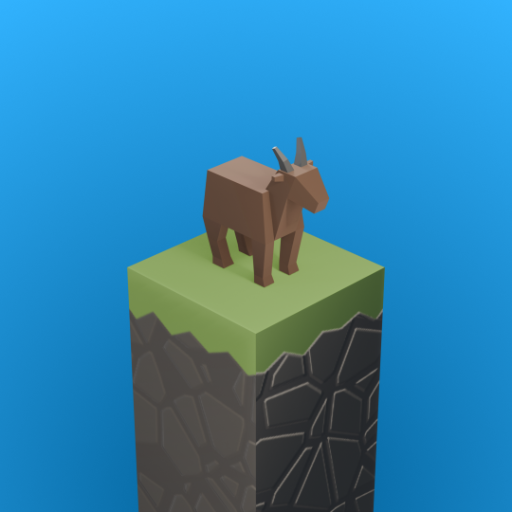
Welcome to devlog 7 of Three of a Climb, my isometric mobile stair climber made in Unity. This time I added a skin collection: a menu where every character gets its own card, two new skins (a beaver and a penguin), one more theme, and a shuffle button.
How it works
Here is how the collection came together, step by step.
1. Prototyping the menu
Before building anything in Unity, I prototyped how the menu should look. After a few versions, one of them became the collection menu.
2. A card for every skin
Every skin gets its own character card with its icon, name, rarity, best score and number of runs. Skins are grouped by theme, and opening one theme closes the others.
3. The menu builds itself
There is no list of themes anywhere in the project. The collection reads the list of skins, and every theme a skin points at becomes a card:
if (s.theme != null && !_themes.Contains(s.theme))
    _themes.Add(s.theme);
Adding a character is one more asset. Point it at a theme, drop it in the database, and the collection makes the new card, tile and progress bar by itself. No UI rebuild, and no second list that can fall out of sync.
4. Two new skins and one more theme
The collection now has a beaver, a penguin and one additional theme.
5. New things, new bugs
When you switched to a character from another theme, a spike spawned on the starting step. Every step has a slot for a prop (spike or jump pad), and that slot rebuilds whenever the theme changes. It rebuilt on every step, including the plain ones that should stay empty, and a step that was never told what to carry falls back to its default, which is Spike.
The fix is that each step remembers whether it is supposed to have a prop. On a theme change, only those swap to the new theme's version:
void OnThemeChanged(ThemeDefinition _)
{
    if (_wanted) Build();
}
6. Shuffle
The shuffle button picks a random character you own, but never the same one twice in a row. Truly random picks repeat a lot, and "random" that gives you the same goat three times looks broken:
if (owned.Count > 1) owned.Remove(current);
What's next
The skins are still locked, so in the next devlog I'll add a way to unlock them. See you there.