

ByteCards is here
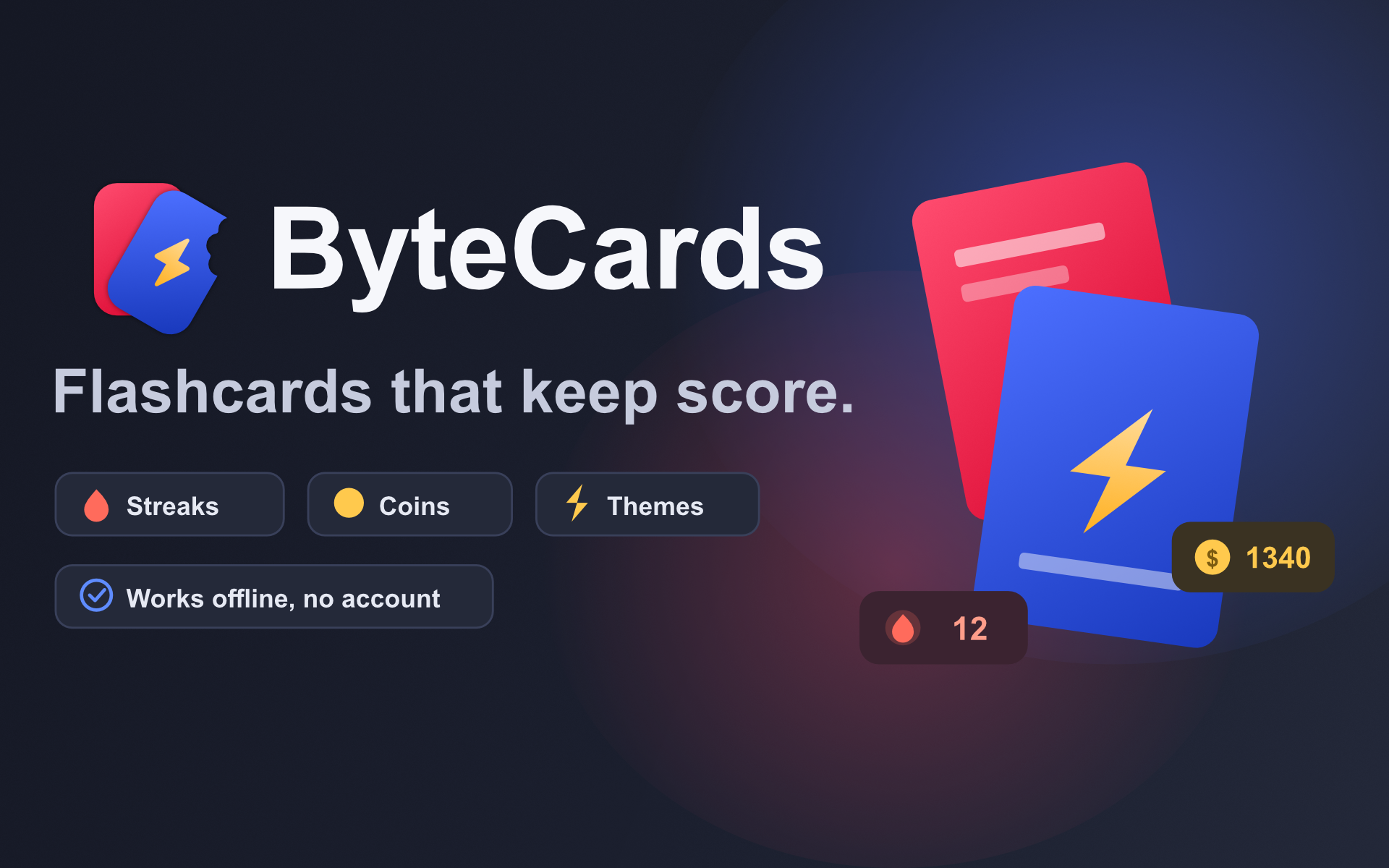
ByteCards is on Google Play. It turns notes into flashcards, it works entirely offline, and it tracks streaks — the three things that made me build it instead of using something that already existed.
The problem with study apps
Most of them want an account. Some of them want a subscription. A few want both before showing you a single card.
I understand why — decks sync, decks get shared, servers cost money. But the moment I sit down to study is the moment I have the least patience for a signup flow, and the app that makes me create an account at 11pm the night before an exam is the app I close.
So ByteCards launches straight into your subjects. No account, no onboarding carousel, no cloud. Your decks are on your device from the first launch.
Structure
Subjects, then chapters, then questions. That mapping came from how my own notes are actually organised: a course, its lectures, and the things inside each one I need to remember.
Three question types:
- True/false — fast to write, fast to answer, good for definitions
- Single choice — the standard case
- Multi-select — the one most apps skip, and the one that actually tests
whether you know a topic instead of recognising a keyword
Making repetition survivable
Flashcards work. The problem is that nobody does them for more than four days.
So there's a layer on top: correct answers earn coins, sessions build a daily streak, and a calendar shows every day you practised. Coins unlock card themes, which is a small cosmetic reward that turns out to be a surprisingly effective one.
The piece I'm most pleased with is streak freezes. Streaks are motivating right up until you miss a day, at which point they become a reason to quit entirely — you lost the thing you were protecting, so why keep going. A freeze you can buy with coins means a bad week costs you something without erasing the month behind it.
Offline, with an exit
Everything lives on the device. But "your data is local" turns into "your data is gone" the moment a phone dies, so there's optional Google Drive backup, and you can share a subject with a classmate in a couple of taps.
Optional is doing work in that sentence. The backup is a thing you turn on, not a thing you opt out of.
Pricing
Free, ad-supported, with a one-time Remove Ads purchase. No subscription, and I don't intend to add one. A student paying monthly rent on a flashcard app is absurd, and I'd rather sell one thing once.